Understanding Free Live Streaming Options
Hosting a live stream event without incurring significant costs is increasingly feasible thanks to a variety of platforms and tools designed for free use. These options cater to individual creators, community organizers, and small businesses aiming to reach their audiences without financial burden. By leveraging reliable free live streaming services, users can broadcast events like concerts, workshops, community meetings, or sports competitions with professional quality and minimal investment.
One of the most popular avenues is social media platforms that offer built-in live streaming capabilities. Platforms such as Facebook Live, YouTube Live, and Instagram Live allow users to broadcast directly to their existing followers without additional software costs. These platforms provide intuitive interfaces that make setting up live streams straightforward for users at all technical levels. Additionally, they offer features such as chat, reactions, and sharing options, which foster real-time audience interaction.
Beyond social media giants, dedicated live streaming websites provide more specialized features. For example, platforms like Vimeo’s basic plan, although with some limitations, enable users to host high-quality streams and embed videos onto their websites. These services often include options for scheduling broadcasts and customizing viewing interfaces, which can be invaluable for professional or semi-professional events.
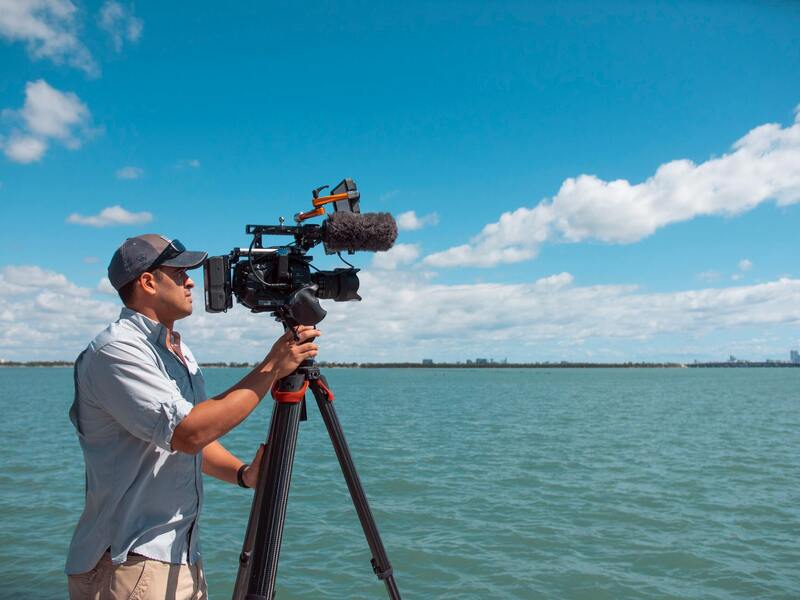
Moreover, open-source solutions and free software like OBS Studio (Open Broadcaster Software) allow individuals to produce more sophisticated broadcasts. When combined with free streaming services, OBS provides powerful tools for adding overlays, multiple camera feeds, and audio sources, ultimately enhancing the production quality without any additional costs.
While using free tools and platforms, it is essential to understand their features and limitations. For instance, some free streaming options may impose restrictions on the length of broadcasts, include watermarks, or limit the number of viewers. Always review the terms of service and consider your event’s specific requirements before selecting a platform.
Additional Free Tools and Resources for Live Streaming
- Streamlabs: An enhanced interface for OBS with integrated tools for alerts, chat, and overlays, available at no cost.
- Restream: Enables simultaneous streaming across multiple platforms, with a free tier suited for small to medium audiences.
- Lightstream: A cloud-based live streaming studio that offers free plans with customization options.
- Local Recording Options: Many free platforms allow recording of streams locally, which can be useful for repurposing content or creating highlight reels.
By understanding these free options—ranging from social media channels, dedicated streaming services, to open-source tools—organizers can effectively plan and execute live events at minimal to no cost. Proper selection aligned with event goals ensures a smooth broadcast experience while maximizing reach and engagement.
Choosing the Right Free Streaming Platform
Popular Platforms for Live Event Streaming
Selecting an appropriate platform is crucial for the success of your live stream event. Many reputable options provide robust features without any costs, making them ideal for organizers seeking cost-effective solutions. Platforms like Facebook Live, YouTube Live, and Instagram Live are among the most accessible and widely used, owing to their seamless integration with social media channels and large user bases.
Each platform offers unique capabilities suited to different event formats and audience sizes. YouTube Live, for instance, supports high-definition streaming and provides extensive audience analytics, which can be valuable for post-event evaluation. Facebook Live excels in engaging local audiences and fostering community interaction through comments and shares. Instagram Live offers a more informal, mobile-centric experience, perfect for small to medium-sized events that emphasize real-time engagement.
Evaluating Platform Limitations and Features
- Stream Length Restrictions: Many free services impose limits on the duration of broadcasts. For example, Instagram Live typically allows up to 4 hours, while Facebook Live and YouTube have more flexible options but may enforce caps for new accounts.
- Viewership Limits: Some platforms restrict the number of concurrent viewers unless you upgrade to paid services. Assess your expected audience size to select a platform that can accommodate your needs.
- Watermarks and Branding: Certain free streaming tools include watermarks or branding overlays, which can detract from a professional appearance. Investigate whether these are present and consider potential workarounds if necessary.
- Technical Compatibility: Ensure your preferred platform supports devices and streaming software you plan to use, such as OBS Studio or Streamlabs, for optimal broadcast management.
Technical Requirements and Setup Considerations
Before initiating your stream, verify that your hardware and internet connection meet the necessary specifications. A stable high-speed internet connection with sufficient upload bandwidth is fundamental to avoid buffering and quality degradation. Additionally, utilize streaming software compatible with your chosen platform to add overlays, manage multiple feeds, and monitor stream health in real time.
Conduct test runs to troubleshoot potential technical issues. Prepare backup plans, such as secondary internet sources or alternate devices, to ensure your live event is not disrupted by unforeseen problems.
Maximizing Platform Features for Audience Engagement
Leverage available features like live chat, polls, and Q&A to encourage viewer participation. Announce interactive segments in advance to boost real-time engagement. Collate feedback after the event to refine future broadcasts and better tailor content to your audience preferences.
Understanding Free Live Streaming Options
Participating in or hosting a live stream event without incurring costs is achievable through various legitimate platforms that provide free services with essential features. When exploring these options, it's important to consider the functionality, compatibility, and restrictions that each platform offers. Reliable free streaming solutions cater to different event sizes and technical needs, making it essential to match the platform’s capabilities with your specific requirements.
Popular Free Live Streaming Platforms
- YouTube Live: Provides a robust infrastructure for live broadcasting, supports high-definition streams, and offers extensive audience reach. YouTube Live integrates seamlessly with various streaming software, enabling professional-quality broadcasts without costs. Its chat feature enhances real-time interaction, fostering viewer engagement.
- Facebook Live: Ideal for engaging existing social media audiences. It allows viewers to comment and share during the event, expanding your reach organically. Facebook Live’s user-friendly interface makes it accessible for beginners and provides detailed insights post-broadcast.
- Twitch: Originally targeted at gaming events but now widely used for various live stream events. Twitch supports multiple integrations and offers tools to enhance interaction, such as chat and polling features. Its free tier is suitable for smaller-scale events aiming to build community engagement.
- Vimeo Livestream: Offers a limited free plan with essential streaming capabilities. Known for high-quality video delivery, Vimeo Livestream is suitable for professional events that require a polished presentation. Its focus on high production values makes it a go-to for formal or corporate live streams.
- StreamYard and Restream: Web-based streaming platforms that allow multi-platform broadcasting from a single interface. These tools often offer free plans with basic features, making it easier to reach audiences across various channels simultaneously.
Evaluating Platform Features and Restrictions
While these platforms remove monetary barriers, each has specific limitations such as stream duration caps, branding overlays, or audience size restrictions. Some free services display watermarks or forced branding, which could impact the professional appearance of your event. Ensure you review these aspects thoroughly before committing to a platform. Many platforms also support real-time metrics, analytics, and moderation tools, which are beneficial for managing and optimizing your live event.
Technical Compatibility and Setup
Ensuring your system and streaming setup are compatible with your chosen platform is crucial. Most free streaming services support common broadcasting software like OBS Studio or Streamlabs, allowing for custom overlays, multiple camera angles, and real-time scene changes. Verify that your hardware can handle the encoding and streaming demands to prevent lag or quality drops.
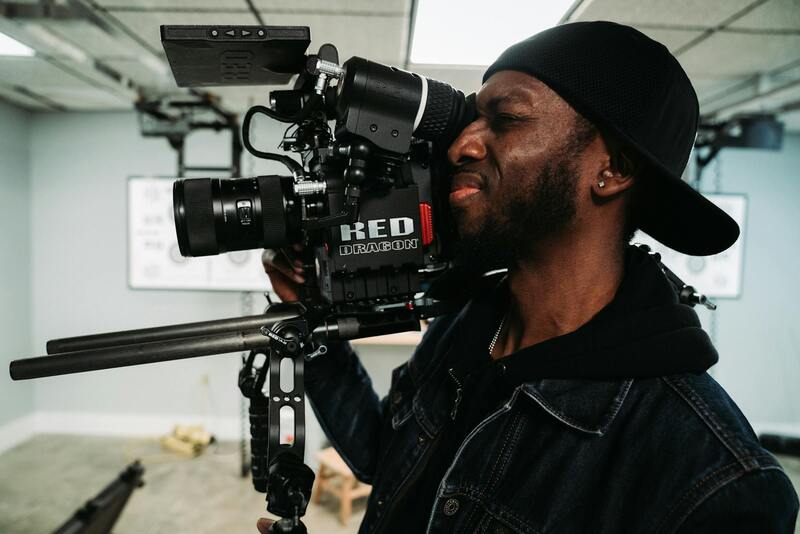
Prior to the event, conduct test runs to troubleshoot technical issues related to internet stability, audio-visual quality, and software configuration. Prepare backup options, such as alternative internet sources or devices, to minimize disruptions. Consistent testing and preparation are essential steps in delivering a seamless live stream event that approximates the quality of paid productions.
Maximizing Platform Features for Audience Engagement
Most free platforms offer interactive functionalities designed to boost viewer participation. Utilizing live chat, polls, and Q&A sessions can significantly increase engagement levels, transforming passive viewers into active participants. Promoting these features beforehand encourages audiences to interact, providing immediate feedback and fostering a sense of community.
Additionally, setting aside time during your live session for audience questions or comments helps create a dynamic atmosphere. Post-event surveys or feedback forms can further inform future broadcasts, ensuring content and presentation methods are aligned with your viewers' preferences. Leveraging the platform’s analytics and engagement tools maximizes reach and enhances viewer retention.
Optimizing Your Free Live Streaming Experience
To ensure a successful live stream event on a limited budget, it is essential to focus on the technology and setup that influence broadcast quality and viewer experience. Start by selecting reliable internet connections; wired Ethernet connections are more stable than Wi-Fi and can significantly reduce buffering or interruptions during the stream. Check your bandwidth to accommodate the maximum expected viewers, aiming for upload speeds that support high-quality streaming at 720p or 1080p resolution. Having a backup internet source, such as a mobile hotspot, can prevent disruptions caused by network instability.
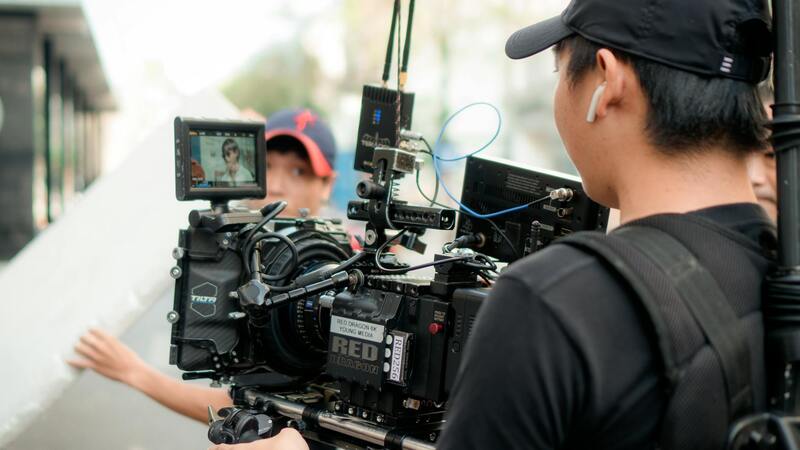
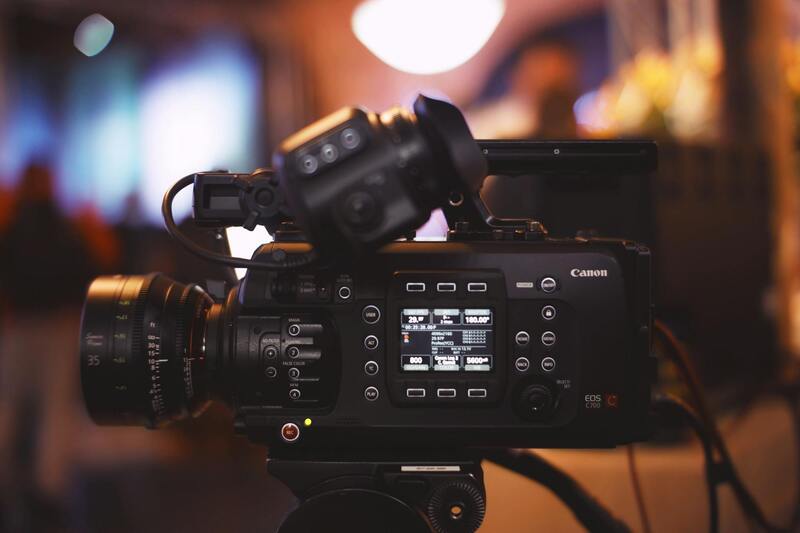
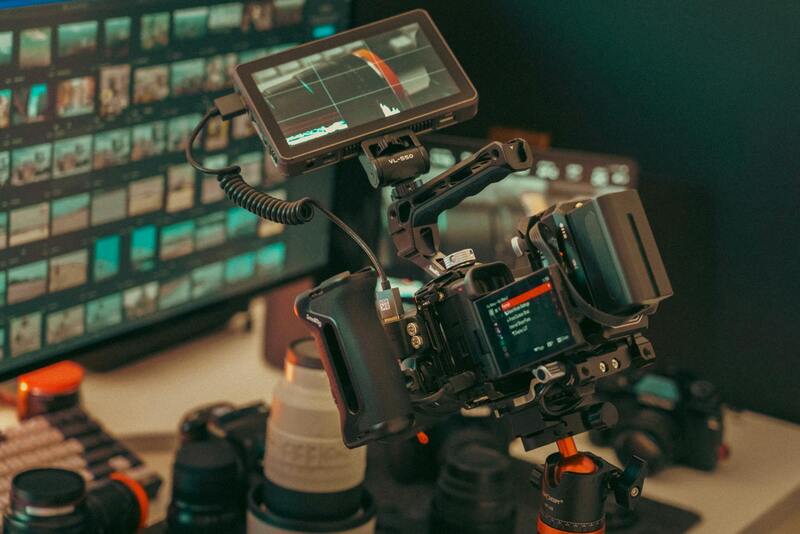
Choosing appropriate hardware also plays a crucial role. A decent camera that captures clear visuals and a good quality microphone for audio are fundamental. If your event involves multiple locations or perspectives, consider using affordable switchers or software to manage multi-camera feeds effectively. Additionally, use hardware encoders (like OBS Studio, Streamlabs, or XSplit) that work seamlessly with your chosen platform to improve the production value.
Executing Your Live Stream Event with Precision
Preparation is key to delivering a professional broadcast without overspending. Develop a detailed script or outline of your event, with cues for camera transitions, overlays, and interactions. Test all equipment and software beforehand, ideally conducting a full rehearsal to troubleshoot any issues. During the event, monitor the live stream constantly to identify and resolve problems promptly. Assign a team member to supervise chat interactions and technical troubleshooting, ensuring the event remains engaging and smooth.
Engagement tools offered by free streaming platforms, such as chat or poll features, can be utilized to create a more interactive experience. Announce these features beforehand and encourage viewers to participate, fostering a lively community atmosphere. After the broadcast, leverage platform analytics to evaluate viewers' behavior, engagement levels, and technical performance. These insights will guide improvements for future events, allowing you to deliver increasingly professional live streams at minimal cost.
Understanding Free Live Streaming Options
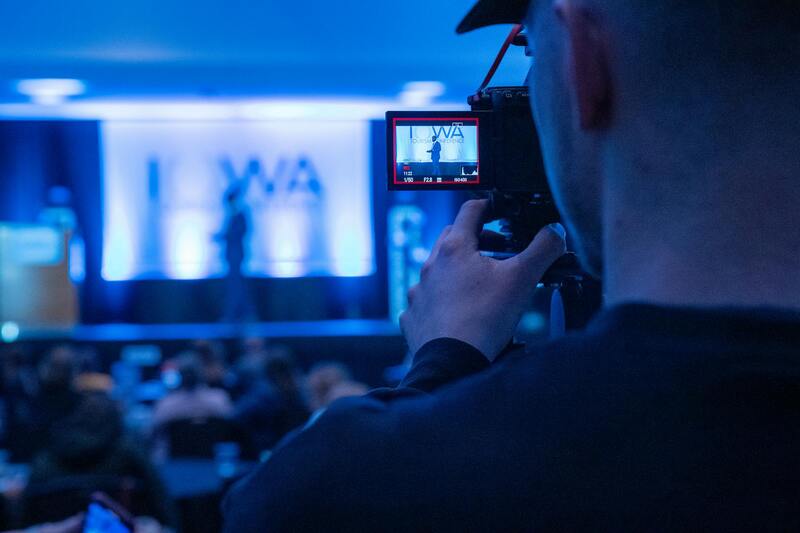
When considering free live stream events, it is essential to explore the various platforms that facilitate such broadcasts without incurring costs. These options range from social media channels to dedicated streaming services that offer free tier plans. Popular platforms like YouTube Live, Facebook Live, Instagram Live, and TikTok Live enable hosts to reach wide audiences effortlessly. Each platform has its unique features, audience demographics, and technical specifications, making it vital to assess which best aligns with your event's goals.
While selecting a free streaming option, focus on the platform's compatibility with your equipment, ease of use, and available engagement tools. Many platforms support multi-camera setups and interactive features such as live chat, polls, or Q&A sessions, which enhance viewer participation. Considering the accessibility of these tools on mobile devices and desktops helps maximize audience engagement. In addition to social media options, some specialized live streaming platforms like StreamYard or Restream provide additional functionalities, allowing users to broadcast across multiple channels simultaneously, further expanding reach without additional costs.
Choosing the Right Free Streaming Platform
Deciding on the best platform for a free live stream hinges on understanding your target audience, content type, and technical capacity. For instance, if your event aims to target a younger demographic, platforms like TikTok or Instagram may be preferable due to their popularity among younger users. Conversely, Facebook and YouTube are suitable for reaching a broader age range and offer more mature engagement features.
Important factors to consider include:
- Audience Reach: Platforms with high user engagement such as YouTube or Facebook can help you garner more viewers.
- Interaction Capabilities: Features like live chat, reactions, and polling improve real-time engagement.
- Ease of Use: User-friendly interfaces and straightforward setup processes reduce preparation time.
- Technical Support: Availability of tutorials and support resources can streamline the broadcasting process.
- Content Policies: Ensuring your event content complies with platform guidelines prevents disruptions or restrictions.
Planning a Live Stream Event on a Budget
Organizing a live stream event without overspending requires strategic planning and resourcefulness. Start by clearly defining your objectives, target audience, and key messages to stay focused and efficient. Leveraging existing equipment such as smartphones or basic webcams combined with free streaming software like OBS Studio or Streamlabs can significantly reduce costs.
Effective preparation involves creating a detailed run sheet or script, outlining camera angles, overlays, and interactive segments. Conducting rehearsal sessions with your team ensures all technical elements work seamlessly and minimizes surprises during the actual broadcast. When possible, utilize free or low-cost accessories such as ring lights, stable tripods, and microphones to improve production quality.
Additionally, consider using free graphic templates and overlays to enhance visual appeal without incurring branding expenses. Prioritize solid internet connectivity, preferably wired if possible, to prevent interruptions during the stream. Engage your team in post-event analysis using built-in platform analytics to gather insights and inform future planning. These steps help maintain professionalism and audience interest, even with a tight budget.
Legal and Technical Considerations
When hosting a live stream event, especially one offered free to viewers, it's essential to adhere to established guidelines to ensure a smooth broadcasting experience. Carefully selecting platforms that provide robust infrastructure and clear usage policies can help prevent disruptions that might arise from technical issues or content restrictions.
Choosing a reputable streaming service that specializes in live events can greatly enhance your broadcast quality. These platforms often offer features such as real-time analytics, customizable overlays, and audience interaction tools, all within a secure environment. Additionally, they maintain high standards for bandwidth and data security, which are crucial for maintaining viewer trust and ensuring an uninterrupted experience.
On the technical front, ensuring that your internet connection is capable of supporting high-quality streaming is fundamental. Wired connections are typically more reliable than wireless options, lowering the chances of lag or disconnections. Test your setup thoroughly before going live, paying attention to audio and video clarity, as well as synchronization between different media elements. Utilize system checks and rehearsal sessions to optimize your equipment settings and to troubleshoot any potential issues ahead of time.

Additionally, be mindful of the platform’s content policies and community standards. Posting content that complies with copyright laws and avoids inappropriate material will help prevent your stream from being taken down or restricted. Always attribute sources correctly when sharing third-party media, and refrain from using copyrighted music or visuals without permission.
Implementing proper moderation tools and maintaining an active chat management system can further improve viewer experience. This not only fosters a positive environment but also aligns with platform policies designed to prevent spam and harassment. Monitoring your live feed closely during the broadcast allows prompt responses to technical issues or viewer concerns, maintaining the professionalism of your event.
Finally, documenting your setup and creating checklists for every stage of the pre-live preparation can streamline future broadcasts. Keeping detailed records of internet speeds, software configurations, and equipment used allows you to replicate successful setups or identify areas needing improvement. With meticulous planning and adherence to platform rules, hosting a free live stream event can be both effective and engaging for your audience.
Understanding Free Live Streaming Options
Providing a live stream event without incurring additional costs begins with exploring various free streaming solutions, each tailored to different types of content and audience engagement methods. Many platforms support live broadcasting directly from smartphones, tablets, or professional cameras, ensuring flexibility for organizers with varying technical resources. These free options often come with limitations such as bandwidth restrictions, time caps on broadcasts, or branding overlays, which can be managed effectively with proper planning.
Key Features of Free Live Streaming Services
- Ease of Use: User-friendly interfaces enable hosts to quickly set up and go live without extensive technical knowledge.
- Platform Compatibility: Many services support multiple devices and operating systems, including iOS, Android, Windows, and Mac.
- Audience Reach: Integration with popular social media channels allows easy sharing and audience engagement.
- Limited Customization: Basic branding and overlay options are usually provided, with more advanced features requiring paid plans.
- Analytics and Metrics: Most free services offer fundamental viewer analytics, helping organizers assess reach and engagement.
Popular Free Streaming Platforms
Several platforms stand out for their ease of use and widespread adoption among event organizers:
- Facebook Live: Ideal for live events targeting followers on social media, with native integration for streaming from desktops and mobile devices.
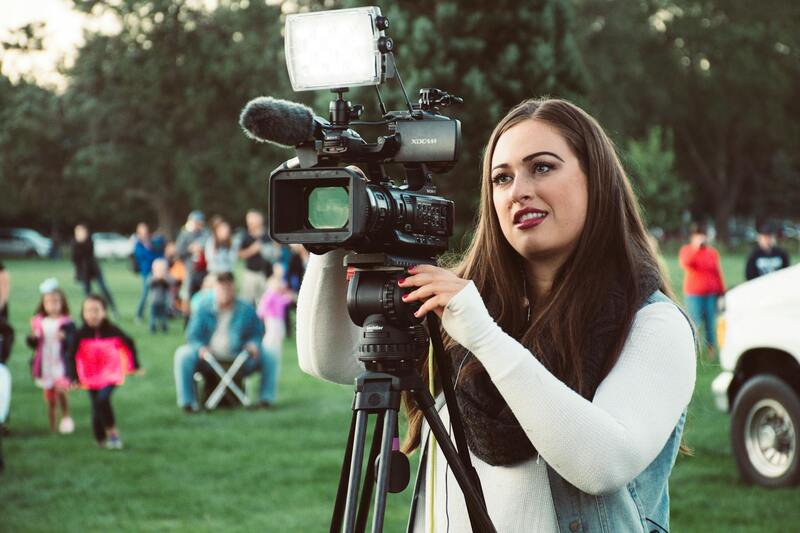
- YouTube Live: Offers high-quality streaming, broad audience reach through YouTube search features, and simple setup via the YouTube app or desktop upload.
- Instagram Live: Suitable for shorter, real-time updates with the benefit of direct engagement through comments and reactions.
- Periscope/Twitter Live: Provides rapid broadcasting options with immediate sharing ability for audiences already active on Twitter.
- Streamlabs and OBS Studio: While primarily software, these support free live streaming solutions when paired with platforms like YouTube or Facebook.
When selecting a platform, consider the nature of your event, target audience preferences, and available technical resources. Mixing platforms can also expand your reach, particularly when leveraging social media integrations for broader audience participation.
Implementing Free Streaming Without Compromising Quality
Achieving a professional-looking broadcast without investing in costly equipment is feasible. Use a smartphone with a stable camera and reliable internet connection. External microphones or lapel mics can significantly improve audio clarity, enhancing viewer experience. Employing a simple tripod or stabilization tool maintains video stability, preventing distracting movements.
Pre-recorded segments can be integrated seamlessly into live streams, offering a polished look without requiring expensive broadcasting hardware. Additionally, utilizing free video editing and streaming software, such as OBS Studio, can help overlay graphics, titles, and branding to make your stream more engaging and visually appealing.
Technical Preparations for a Smooth Broadcast
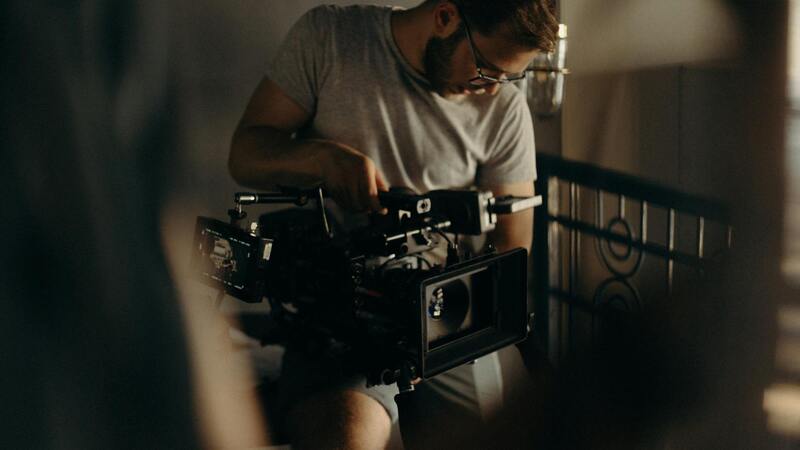
Prior to going live, perform thorough checks on your internet connection’s speed and stability—preferably using wired Ethernet connections over Wi-Fi for greater reliability. Test all software and hardware configurations, conduct trial runs, and prepare backup plans for potential technical failures. Having a second device ready, as well as alternative streaming links, minimizes disruptions during the event.
Ensuring Content Compliance and Viewer Experience
Adhering to platform-specific content policies safeguards your live stream from interruptions or takedowns. Pay close attention to copyright laws regarding music and multimedia, opting for royalty-free sources when possible. Use moderation tools to manage viewer interactions effectively, blocking spam or inappropriate comments and maintaining a positive environment.
Maximizing Reach and Audience Interaction
Engaging viewers during a live stream is crucial to maintaining interest and ensuring a memorable experience. To effectively maximize your reach, leverage social media platforms such as Facebook, Twitter, and Instagram to announce your live events well in advance. Utilizing targeted hashtags and geolocation tags specific to Miami can attract local viewers actively seeking live event content. Incorporate countdown timers or teaser clips leading up to the event to build anticipation.
Interactive features within your chosen streaming platform can significantly enhance viewer participation. Polls, Q&A sessions, and chat functions encourage real-time dialogue, fostering a community atmosphere. Remember to designate a moderator to manage interactions, remove inappropriate comments, and maintain a respectful environment. Providing clear instructions on how viewers can participate enhances overall engagement.
To extend the reach beyond the immediate stream, consider creating highlight reels or clips from the live event to share on various social channels afterward. These snippets serve as promotional material for future events and can attract viewers who missed the initial broadcast. Employing hashtags, geotags, and engaging captions ensures these clips gain visibility within the Miami community and beyond.
Utilizing Analytics and Feedback
After hosting a free live stream, analyze viewer metrics provided by streaming platforms or social media insights. Metrics such as peak concurrent viewers, average watch time, and audience demographics offer valuable data to refine future events. Encourage feedback through surveys or comments to understand what aspects resonated well or need improvement. This iterative approach helps in building a loyal audience base eager to participate in upcoming free live streams.
Consistent branding across your streaming channels and promotional content solidifies recognition and professionalism. Display your logo, event hashtags, and social handles prominently during the stream. By maintaining a cohesive aesthetic, you reinforce your identity and foster trust within your audience.